ChatGPT vs Local AI: Why On-Device Processing Wins for Privacy
Compare ChatGPT and cloud AI with local AI models for transcription. Discover why on-device processing is faster, cheaper, and more private.

ChatGPT vs Local AI: Why On-Device Processing Wins for Privacy
ChatGPT and cloud-based AI tools have dominated headlines for the past two years, promising unprecedented capabilities accessible through simple web interfaces. But there’s a fundamental tradeoff most users don’t fully understand: every prompt you send, every audio file you upload, every document you process leaves your device and enters someone else’s infrastructure.
For transcription and audio processing, this creates serious privacy, cost, and reliability issues. Local AI—models that run entirely on your Mac without internet connectivity—solves these problems while delivering comparable quality. This comparison breaks down the real differences between cloud and local AI for transcription workflows.
The Cloud AI Problem: Where Your Data Actually Goes
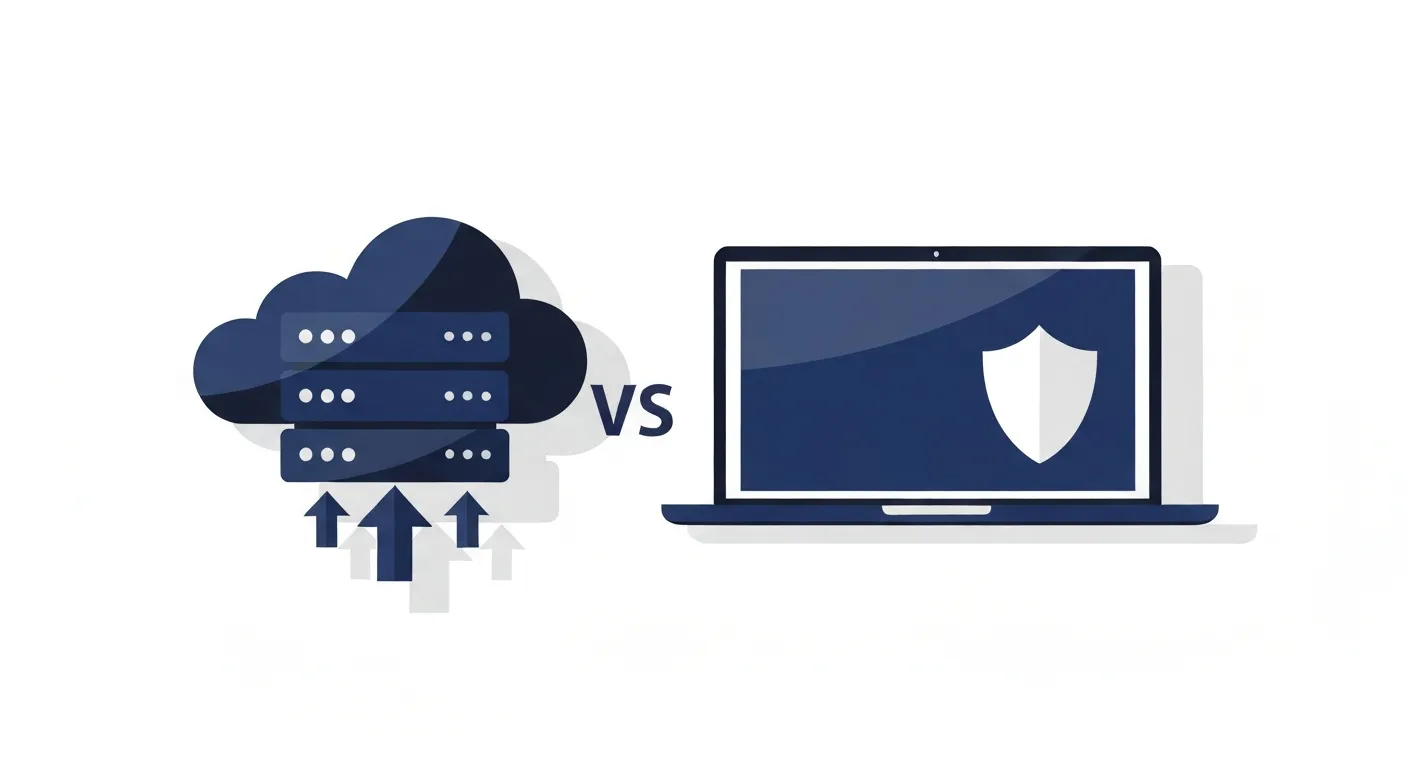
When you upload audio to ChatGPT, Whisper API, or any cloud transcription service, here’s what actually happens:
Your Data Leaves Your Control
The audio file travels across the internet to the provider’s servers—typically AWS, Google Cloud, or Azure data centers. It gets stored temporarily (or permanently) in their databases. The service processes it, generates a transcript, and sends results back.
During this journey, your data passes through multiple systems:
- Your internet service provider (can log metadata)
- The service’s load balancers and CDN
- Processing servers (often in different geographic regions)
- Storage systems (databases, object storage like S3)
- Logging and analytics infrastructure
Each system is a potential point of exposure, breach, or unauthorized access.
Data Retention and Training Policies
OpenAI’s data usage policy states that API inputs may be retained for 30 days for abuse monitoring. While they claim not to train models on API data by default, you must explicitly opt out—and policies can change.
Other services are less clear. Many transcription services reserve the right to use uploaded content to “improve our models” or “enhance service quality.” That’s corporate speak for training AI on your data.
Even well-intentioned services face risks. Data breaches happen. Subpoenas compel disclosure. Governments demand access. Your confidential meeting recording could end up anywhere.
Latency and Reliability Issues
Cloud APIs introduce network latency—typically 1-5 seconds per request. For real-time transcription or large files, this accumulates quickly. A 60-minute audio file might take 8-12 minutes to upload, process, and download results.
Internet dependency creates fragility. No WiFi? No transcription. API downtime? Your workflow stops. Rate limits hit? You’re blocked. These aren’t hypothetical—OpenAI’s APIs have experienced significant outages, leaving users unable to work.
Costs That Accumulate Invisibly
Cloud transcription seems cheap until you calculate actual usage. OpenAI’s Whisper API charges $0.006 per minute. That’s $3.60 per hour of audio. If you transcribe 10 hours weekly, you’re spending $1,872 annually.
Services like Otter.ai and Descript charge $16-30/month subscriptions, but cap monthly minutes. Exceed limits and you pay overage fees or upgrade to higher tiers.
For professionals processing substantial audio—journalists, researchers, legal teams, content creators—these costs compound into thousands of dollars yearly.
Local AI: Processing That Never Leaves Your Device
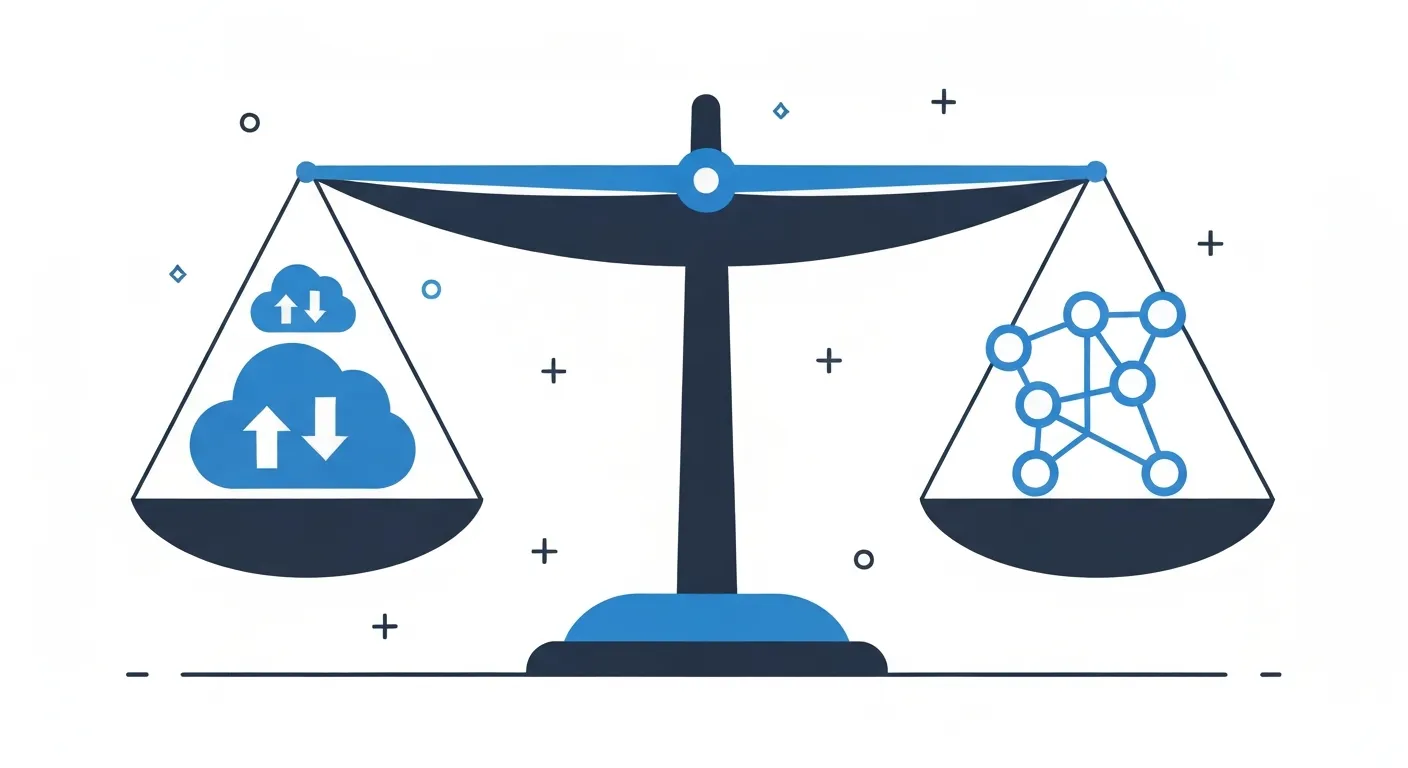
Local AI flips the model. Instead of sending data to the cloud, you download the AI model once and run it directly on your Mac’s processor and neural engine.
How On-Device AI Works
Modern AI models are surprisingly compact thanks to quantization and optimization techniques. OpenAI’s Whisper model, for example, ranges from 150MB (tiny variant) to 3GB (large variant). Download once, use forever.
When you transcribe locally:
- Audio stays on your Mac’s SSD
- The AI model loads into RAM (2-8GB depending on variant)
- Your Mac’s Neural Engine processes the audio
- Transcript appears directly in your app
- Nothing touches the internet
The entire pipeline runs in a sandboxed environment on your device. No uploads, no API calls, no external logging.
Apple Silicon Optimization
Apple’s M-series chips include dedicated Neural Engine hardware designed specifically for AI workloads. Tools like WhisperKit and FluidAudio use Apple’s Core ML framework to leverage this hardware, achieving speeds comparable to cloud APIs.
An M2 MacBook Pro can transcribe audio at roughly 4x real-time speed using optimized local models. That’s a 15-minute audio file processed in under 4 minutes—competitive with cloud services once you account for upload/download time.
For a complete guide to setting up local AI on Mac, see How to Run AI Locally on Mac.
Head-to-Head: ChatGPT/Cloud AI vs Local AI for Transcription
Here’s how the two approaches compare across critical factors:
| Factor | Cloud AI (ChatGPT, Whisper API) | Local AI (WhisperKit, FluidAudio) |
|---|---|---|
| Privacy | ❌ Data uploaded to third-party servers | ✅ 100% on-device, nothing leaves Mac |
| Internet Required | ❌ Yes, fails without connectivity | ✅ No, works completely offline |
| Speed | ~2-4x realtime + network latency | ~3-5x realtime, no network delay |
| Cost | $0.006/min ($3.60/hour) or $16-30/month | Free (under 10 minutes files), Pro $7.99/month |
| Accuracy | Excellent (large models) | Excellent (comparable with medium/large) |
| Languages | 99+ languages | 99+ (WhisperKit), 50+ (Apple Speech) |
| Setup Complexity | Easy (just API key) | Easy (download app) to Moderate (CLI) |
| Data Retention | 30+ days on provider servers | Never stored externally |
| Compliance | Challenging (HIPAA, GDPR issues) | Simple (data never leaves device) |
| Reliability | Depends on API uptime | Depends on your Mac (highly stable) |
The Privacy Difference
This is where local AI fundamentally wins. Cloud services can claim they don’t train on your data, promise encryption in transit, tout SOC 2 compliance—but the fact remains: your data leaves your possession.
For sensitive use cases, this is disqualifying:
- Medical recordings containing patient information (HIPAA violations)
- Legal client conversations (attorney-client privilege concerns)
- Journalist source interviews (source protection)
- Corporate strategy meetings (competitive intelligence risks)
- Personal audio journals (intimate privacy)
Local AI eliminates the entire threat surface. If data never leaves your device, it can’t be breached, subpoenaed, or misused.
The Cost Difference
Cloud AI’s usage-based pricing feels painless initially but scales poorly. Local AI offers better economics: free for short recordings, affordable Pro subscription for heavy users.
Consider a content creator transcribing 20 hours of podcast audio monthly:
- Cloud AI cost: $72/month = $864/year (at $0.006/min)
- MinuteAI Pro cost: $7.99/month = $95.88/year (or $69.99/year annually)
- Annual savings: $768-794 with MinuteAI Pro
For users with lighter needs (under 10-min recordings), the free tier provides unlimited transcription at zero cost. Heavy users save substantially even with the Pro subscription.
When Cloud AI Makes Sense (And When It Doesn’t)
Local AI isn’t universally superior. Cloud services have legitimate advantages in specific scenarios:
Cloud AI Wins For:
- Collaborative workflows – Multiple team members need access to shared transcripts in cloud storage
- Maximum accuracy at any cost – When you need the absolute latest model and don’t care about privacy/cost
- Languages beyond Whisper – Niche languages better supported by specialized cloud services
- No local hardware – You’re on an Intel Mac or Windows machine without good local AI support
Local AI Wins For:
- Privacy-sensitive content – Medical, legal, journalistic, personal, proprietary recordings
- High-volume transcription – Cost scales to zero with local processing
- Offline environments – Airplanes, remote locations, secure facilities, internet outages
- Real-time processing – Live recording transcription without network latency
- Long-term sustainability – No dependence on external services that might shut down or change pricing
For most professionals handling confidential audio, local AI is the only responsible choice.
How to Switch from Cloud to Local AI
Migrating from cloud transcription services to local AI is straightforward:
Step 1: Choose Your Local AI Tool
MinuteAI provides the easiest transition. It’s a native Mac app that bundles WhisperKit, FluidAudio, and Apple Speech frameworks behind a clean interface. No terminal commands, no model downloading, no configuration—just install and transcribe.
Alternative options:
- whisper.cpp – Command-line tool for developers comfortable with terminal workflows
- MLX – Apple’s ML framework for researchers wanting programmatic control
Step 2: Test with Existing Audio Files
Don’t immediately cancel your cloud subscription. Run parallel tests:
- Take a sample of your typical audio files
- Transcribe them with both your current cloud service and local AI
- Compare accuracy, speed, and output quality
In most cases, you’ll find local AI matches or exceeds cloud quality for standard meeting recordings, interviews, and presentations.
Step 3: Integrate into Your Workflow
MinuteAI supports:
- Drag-and-drop audio/video files
- Direct recording from microphone
- Export to plain text, Markdown, SRT subtitles
- Copy/paste into your existing note-taking system
Most users adapt their workflow within a day or two.
Step 4: Monitor Savings
Track how much audio you transcribe monthly. Multiply by your old cloud service cost. Watch the savings accumulate.
The Hybrid Approach
MinuteAI and other local tools don’t lock you into one approach. You can:
- Use local AI (WhisperKit, FluidAudio) for 95% of content
- Fall back to cloud APIs for edge cases (extremely noisy audio, rare languages)
- Mix and match based on privacy requirements
This gives you flexibility without sacrificing privacy for routine transcription.
The Future is On-Device
The trend is clear: AI is moving from cloud to edge. Apple’s investment in Neural Engine hardware, the proliferation of optimized local models, and growing privacy awareness all point toward on-device processing as the new standard.
Local AI for transcription isn’t a compromise—it’s an upgrade. You get privacy, speed, cost savings, and offline capability without sacrificing accuracy.
For privacy-focused alternatives to popular cloud services, see our comparison of Otter.ai alternatives. Or dive straight into local transcription by downloading MinuteAI.
Your Mac is powerful enough to run production AI. Your data doesn’t need to leave your device. Make the switch to local AI.
Competitor pricing and speed benchmarks as of early 2026 and subject to change. Check provider websites for current rates.
Try MinuteAI Free on Mac
Privacy-first AI transcription running entirely on your device. No uploads, no subscriptions required to start.
Download for MacRelated Articles
MacWhisper vs MinuteAI: Which Local Transcription App Is Better?
Detailed comparison of MacWhisper and MinuteAI for local AI transcription on Mac. Features, pricing, engines, OCR, and privacy compared side-by-side.
Use CasesPrivate AI Workflow for Journalists: Protect Sources with Local Transcription
How journalists use local AI transcription to protect confidential sources. Record, transcribe, and analyze interviews without any cloud exposure.
WorkflowsAnalyze YouTube Videos Locally: Transcribe & Summarize Without Cloud APIs
Download and analyze YouTube videos on your Mac using local AI. Get transcripts, summaries, and key points without sending data to cloud services.